
Argos Wishlist App Review
If you’re stuck for ideas about what to get your child for Christmas look no further than the Argos Wishlist app for help!
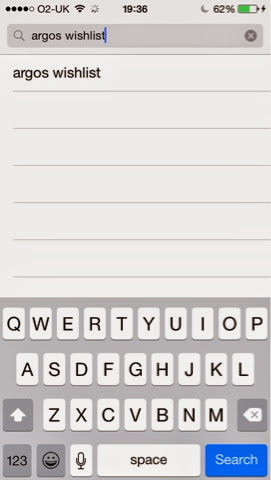
Simply search for ‘Argos Wishlist’ in the App Store….


After scrolling through the on-screen instructions…


…your child will need to pick a helper…

…and then take a selfie. This is so mum and dad will know whose wishlist belongs to who as you create multiple accounts for different people.
All that’s left to do is for your child to create their wishlist.
This can be done easily be scrolling the categories which range from ‘Top Toys’ to Lego, Chad Valley, Frozen and many more brands.


When your child sees something they like all they need to do is click on it and then click on ‘Add’ for it to be added to their wishlist.

Parents can set their budget in the settings section, which only adults can access.


When your child’s wishlist is ready they can also add some writing to tell Santa exactly what they want by using the coloured pens and stickers to personalise their list.

All that’s left to do is click the envelope icon (make sure you’ve entered your email address first) and your child’s wishlist will be sent to Santa (aka mum or dads email address!)


Overall, I think this a great app that children will enjoy using and it also gives mum and dad a helping hand too!
